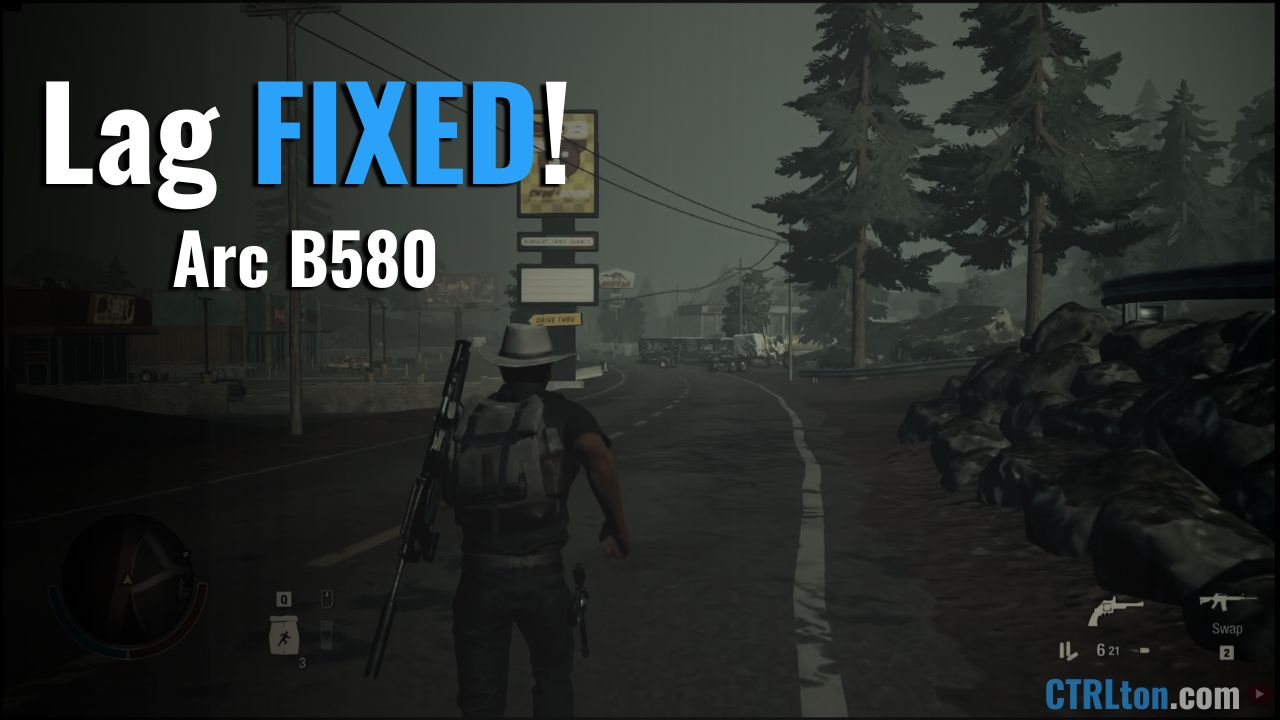
Getting insanely low FPS on State of Decay 2 with the B580? This card is a 1440p beast yet even on the lowest settings I was barely able to push past a 25 FPS average…
I went through too many steps trying to troubleshoot the issue. Everything from deleting old cache files that were possibly left over from my Nvidia GPU before installing the B580, to messing around with specific Windows graphics settings to see if any of that was the issue.
How To Fix: Disable the iGPU in BIOS so that State of Decay 2 is forced to use your Intel Arc B580 instead.
Why State of Decay 2 Lags on Intel Arc B580
Trying to use Windows settings to force the game to run off of the B580 wasn’t enough…
It lags hard because State of Decay 2 automatically defaults to your CPU’s integrated graphics (iGPU) instead of your dedicated GPU.
This is most likely because of dedicated Arc cards not being around when State of Decay 2 was in development, and it defaults to choosing, in my case, the AMD iGPU.
Video Example of the Lag
I showed how bad this lag was in my B580 pros/cons video, here’s the part of the video showing how bad the lag was:
So, if you’re experiencing this type of lag, 25 FPS average on lowest settings and/or 7-8 FPS average on ultra settings…
Then the first thing you should try to do is fully disable the integrated graphics (iGPU) within BIOS.
Other Things To Check Before Disabling iGPU
However… It’s not a bad idea to check a few things beforehand to ensure you aren’t running into other problems with this game or with other games in general.
- Make sure your monitor is plugged into the GPU, not your motherboard
- Update your Arc B580 drivers
- Consider using DDU (display driver uninstaller) to fully remove old GPU drivers if you haven’t
- Ensure that ReBAR (Resizable BAR) is enabled in BIOS
- Keep Windows fully up to date
Sure it’s rare, but you never know… You might have your monitor plugged into your motherboard instead of the B580, and that will always force an iGPU to be used instead of the B580.
I’ve been hesitant in the past about updating the B580 drivers to the latest driver update… But in recent times, I haven’t run into too many driver-related issues when updating. Just ensure you’re getting the WHQL (Windows Hardware Quality Labs) drivers instead of the non-WHQL, unless there is a specific title that you’re playing that received updates from that driver release.
If you upgraded to the B580 then you’ve already used DDU to remove old graphics drivers from either Nvidia or AMD, but sometimes folks can make a mistake and not actually completely remove the old drivers, so it might be worth going back and ensuring they’re actually fully deleted.
Be sure to download DDU from the official website (linked above), there are a lot of random links to DDU… Get it directly from the official site!
ReBAR being enabled is essential for the B580 to perform the way it was designed to perform. You can enable ReBAR within your BIOS.
And look, I know sometimes Windows updates can be finicky and annoying… But Arc GPU drivers often depend on the newer Windows build updates. Check that you’re on the newest updates if you’re still having issues here and there.
Final Thoughts
Disabling the iGPU via BIOS is what completely fixed the lag issues for me.
I tried disabling through Windows graphics settings, deleting old cache files for State of Decay 2 from old GPU (probably helped, but didn’t actually fix anything), I tried disabling HAGS (Hardware Accelerated GPU Scheduling) which actually ended up causing more issues for me afterwards…
Sometimes it’s just a simple fix, and hopefully you’re able to find this fix here rather than try 182 different things while troubleshooting so that you can finally get back to enjoying the State of Decay 2 grind. 😅
Have you run into other issues specifically with State of Decay 2 with the B580?
What about other issues in general? Any titles specifically that have lag issues?
Let me know in the comments below! 🙂